
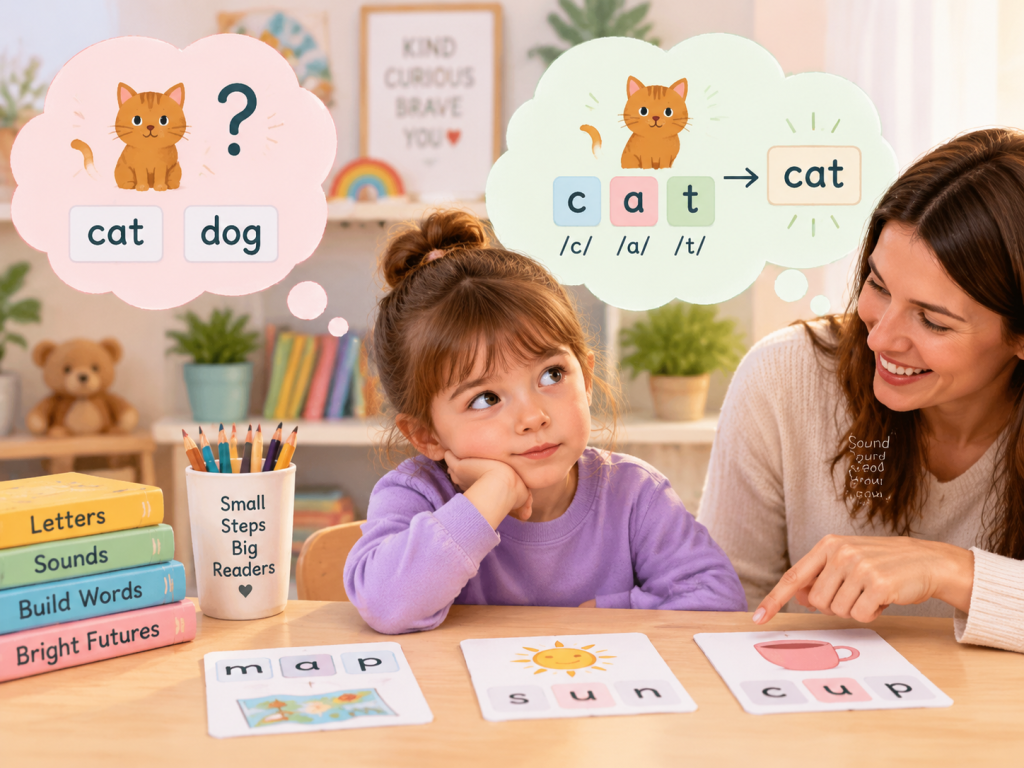
A child can get an answer right in a phonics game without using the letter sounds the activity is meant to practise. One child may look at the picture and choose a likely answer. Another may keep pressing the same screen position. A third may click before the sound or word has finished playing.
Guessing in phonics games is easiest to correct when you identify the pattern before correcting the answer. Watch what the child looks at, when the hand moves, and whether the same phonics skill works away from the screen.
Start by Identifying the Three Main Guessing Patterns
“My child is guessing” is not yet a diagnosis of the learning problem. The useful question is: what information is replacing the sound-letter evidence?
Picture Cue Guessing
The child studies the illustration and chooses a word that makes sense visually without checking enough of the printed letters.
Look for: accuracy drops when the picture is covered or shown only after the child has looked at the grapheme.Position Guessing
The child keeps choosing the first, middle, last, top, or previously successful answer button instead of using the target sound.
Look for: the spoken answer may be correct even though the child taps the wrong or habitual screen position.Clicking Before Listening
The hand moves before the full audio prompt, phoneme, or word has finished. The child is reacting to the interface before processing the task.
Look for: accuracy improves when the child must wait and say the answer before touching the screen.There is also a fourth possibility: the child may not yet know the target sound or blending skill well enough. A child who confuses the same graphemes in a game, on a card, and on paper does not mainly need a reminder to “stop guessing.” The skill itself needs more direct practice.
This distinction is important because picture cue guessing, random clicking in phonics games, and an insecure phonics skill may look similar on a score screen but require different teaching responses.
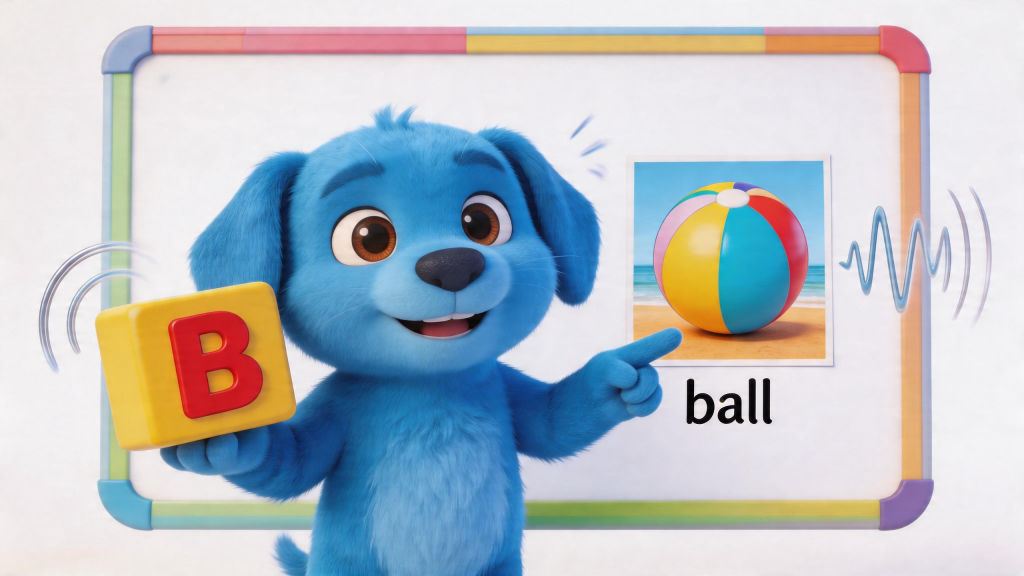
Keep the game matched to one phonics target
The EnglishForKiz game library includes practice for letter sounds, beginning sounds, listening, CVC blending, and later phonics skills. That range is useful only when the selected activity matches what the child already understands.
If a child is still learning one basic sound contrast, choose from phonics games for kids at that level instead of widening the task to several new sounds or word patterns at once.
Explore Phonics Games by SkillRun a 60-Second Check Before Giving More Help
A short observation can usually tell you whether the main problem comes from the interface, task difficulty, or an actual phonics gap. Watch three to five responses before changing anything.
For one short round, avoid pointing toward answers, repeating the correct sound, or telling the child to hurry. You need to see which cue the child naturally uses.
Watch four things
- Eyes: Does the child look at the picture, the letters, or the answer buttons first?
- Timing: Does the click happen before the prompt is complete?
- Speech: Can the child say the sound or blend the word before choosing?
- Error pattern: Are mistakes random, position-based, or repeatedly tied to the same phoneme?
This is the most useful way to answer the question, “Why does my child guess in phonics games?” If /s/ is correct on a plain card but the first button is repeatedly pressed on-screen, the game habit deserves attention. If /s/ is uncertain everywhere, the sound-letter connection needs more teaching.
Use a Say–Prove–Click Routine to Correct Guessing in Phonics Games
“Don’t guess” tells a child what not to do. A stronger correction gives the child a repeatable replacement behavior.
Ask for the sound or word before the click
If a game asks which word begins with /b/, the child should say /b/ and the chosen word before touching the answer. For a CVC task, the response might be “/m/ /a/ /p/, map.”
This verbal response makes the child’s thinking visible. If the child says the correct answer but touches the wrong button, you are dealing with a different problem from a child who says the wrong vowel sound and then clicks.
Delay picture cues when they are doing too much work
Pictures are useful for vocabulary and meaning. They become a problem only when they let the child answer without attending to print.
If the child uses pictures instead of letter sounds, cover or delay the image briefly when the activity allows it. Ask, “What sound does this letter show?” or “Read the sounds first.” Then reveal the picture to confirm meaning.
Give wait time without filling the silence
For a child who clicks before listening, use one calm rule: hands still until the sound finishes. When the prompt ends, allow a short pause before asking for an answer.
A stream of reminders such as “wait, listen, look, think, don’t click yet” can become another source of noise. A predictable pause is easier to follow.
After an error, return to print instead of offering another button
Repeated trial clicks can teach elimination rather than phonics. If the first answer is wrong, direct attention back to the grapheme or word and ask for the relevant sound.
This can turn the activity into repeated clicking until the remaining answer must be correct.
The corrective feedback sends the child back to the evidence the phonics task is intended to practise.
Adjust the Game According to the Error You Actually See
When guessing increases, the answer is not always “more practice.” Sometimes the activity needs a smaller sound set, fewer competing cues, or an easier word structure.
If basic letter sounds are still the problem
Step down to a simpler letter-level task rather than asking the child to solve words. EnglishForKiz’s verified Alphabet Explorer provides a direct letter activity with options for letter names and letter sounds.
Try the Alphabet ExplorerIf CVC blending is the problem
Keep the letters familiar and reduce the number of word families being mixed. A connected Kindergarten phonics path is more useful than repeatedly opening harder game levels while basic blending remains uncertain.
View the Kindergarten Phonics PathCheck the Skill Away From the Game Before Calling It Secure
A good game score tells you what happened inside that game. A transfer check asks whether the same phonics knowledge still works after the pictures, button positions, animation, and immediate feedback disappear.
Show three to five known letters without pictures and ask for their sounds.
Say or point through familiar phonemes and ask the child to blend the word aloud.
Use a short worksheet task to see whether the same answer can be produced without game buttons.
When the pattern is secure, look for it in a short decodable sentence or story.
Keep the check small. Three or four careful responses often tell you more than another long game session. For letter sounds, show a few plain graphemes. For CVC blending, write two or three familiar words and ask the child to move through every sound from left to right.
Use CVC paper practice to remove screen-position cues
A worksheet changes the response environment. There is no familiar answer button to press, and the child has more time to look through the word.
For children working on short vowels and sound blending, the EnglishForKiz Kindergarten CVC worksheets provide word-family practice that can be used as a short transfer check after a game.
Choose only a few items that match the skill already taught. The purpose is to see whether the child uses the letters independently, not to finish a full sheet.
Practice CVC Words on Paper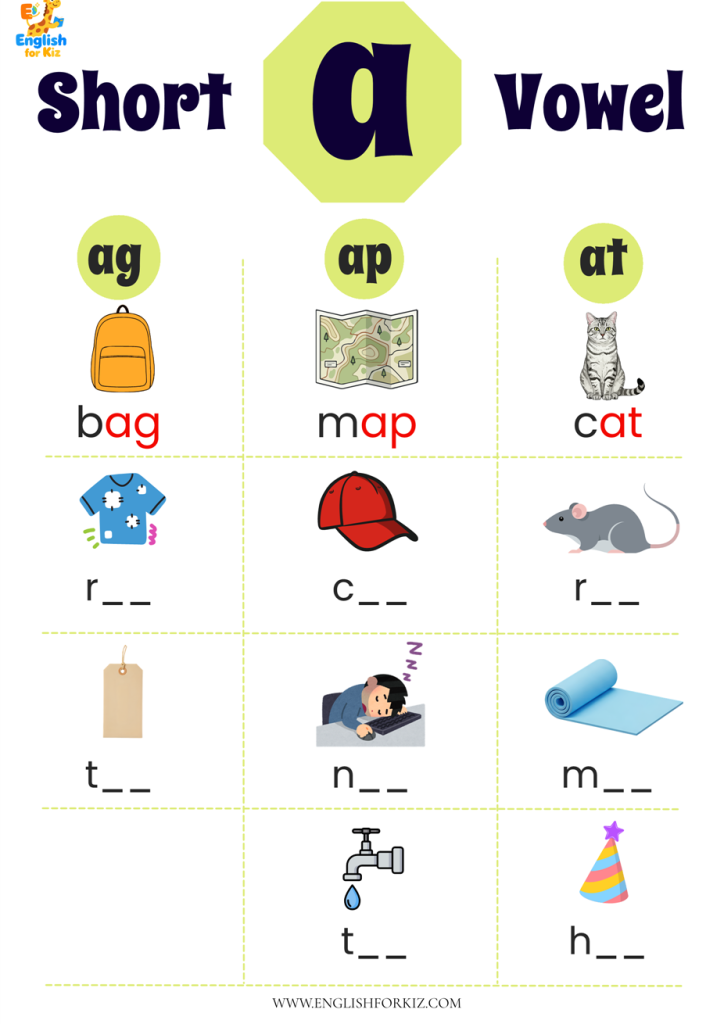
For a broader choice of printable formats, the main phonics worksheets library includes letter-sound, CVC, short-vowel, and later phonics practice. Match the page to the exact error you observed rather than choosing a harder page simply because the child completed a game level.
Avoid Corrections That Can Make Guessing Worse
Adults often notice random responses quickly, but some common reactions accidentally encourage the same behavior they are trying to stop.
“Come on,” “quickly,” and “you know this” reduce the wait time needed to hear the sound, inspect the print, and form a response. Accuracy should come before speed.
The instruction names the unwanted behavior without explaining the replacement. Say “read the sounds first,” “look at the vowel,” or “listen to the whole word.”
New sounds, unfamiliar vocabulary, harder word structures, extra choices, and a new interface can create too much uncertainty in one task.
Overhelping can hide the problem too. If an adult automatically names every picture, repeats the target phoneme, points toward the answer, and supplies the word after one brief pause, the child may appear accurate without independently processing the task.
Give the least help that returns attention to print. After a wrong response, one cue such as “check the middle sound” can be more useful than walking the child through every step.
Know When to Step Back and When to Move Into Decodable Reading
The next activity should depend on what happens when support is removed. Do not keep increasing game difficulty just because a round has been completed, and do not keep drilling isolated sounds after the child can already use them to read simple words.
Return to a more basic phonics task when:
- the target sound cannot be produced from the grapheme away from the game;
- the same sound confusion appears on cards, worksheets, and screen activities;
- the child knows individual sounds but cannot yet blend them into a simple word;
- removing picture and position cues does not improve the answer.
Try short decodable reading when:
- the relevant graphemes are identified consistently;
- simple CVC words can be blended from left to right;
- the child can explain which sounds support an answer;
- you need to see whether the skill works in connected text.
Decodable reading changes the task in a useful way. There are no answer buttons to eliminate by position. The child must look through the printed word and use the patterns that have already been taught.
Illustrations can still support comprehension, but avoid using them as the first way to identify a decodable word. Ask the child to work through the print, blend, and then use meaning to confirm the result.
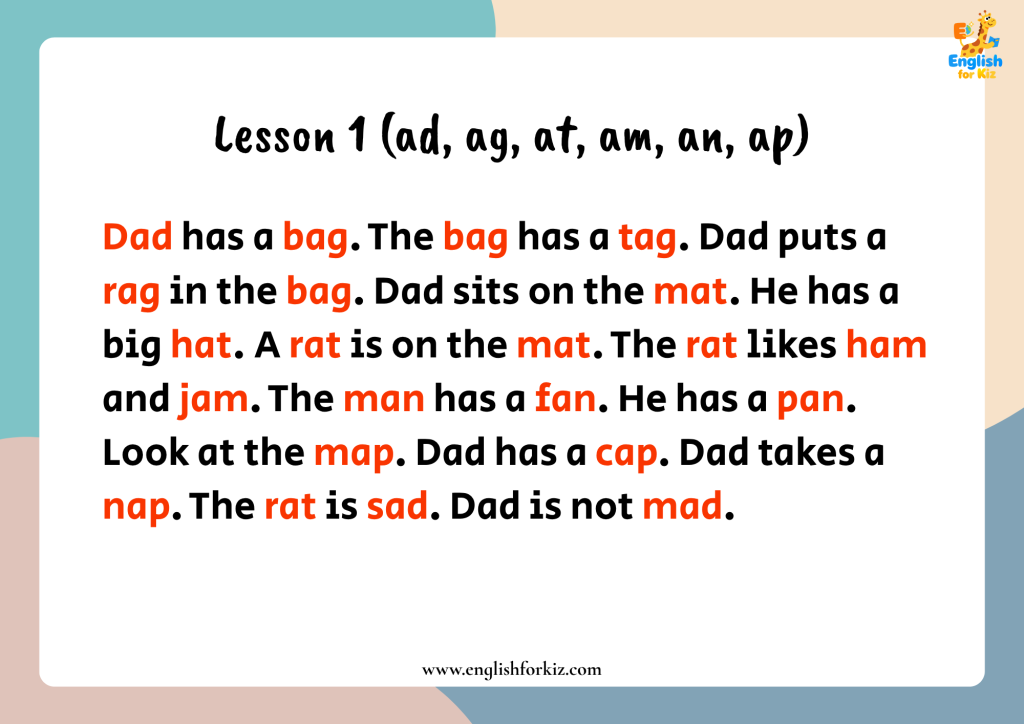
Check whether the child still reads from the letters
When CVC blending is secure in isolation, a short matching passage provides a stronger transfer check than simply opening a more difficult game.
The Kindergarten story library focuses on CVC words and short-vowel word families. Keep the reading pattern close to what the child has already practised so a difficult text does not create a new reason to guess.
Read Kindergarten CVC StoriesFor the wider reading library, use decodable stories to check whether guessing has stopped and whether sound blending transfers from isolated practice into sentences. Choose a level containing spelling patterns the child has already learned.
Choose the Next Resource From the Error Pattern
There is no need to repeat the same game until the score improves. Use the error to decide whether the next step should be simpler sound work, slower print practice, or connected reading.
Return to a short game with a verbal-answer-first rule. Keep the learning target narrow and use the game as review rather than instruction.
Move into direct letter-sound, short-vowel, or CVC instruction. A connected Kindergarten path can keep the skill sequence stable across formats.
Move into short decodable sentences or stories and check whether the child continues to use print instead of predicting from pictures.
Correcting guessing in phonics games is not about making a child hesitate before every answer. The goal is a better response habit: listen, use the sounds and letters, say the answer, and then act.
Frequently Asked Questions
Why does my child click before listening?
The child may have developed a fast screen-response habit in which touching an answer happens before the full prompt is processed. That behavior alone does not establish an attention problem. Ask for hands to stay still until the audio finishes, pause briefly, and require a spoken answer before the click.
Should I remove picture clues completely?
Usually not. Pictures can clarify vocabulary and support comprehension. Hide or delay them temporarily when the child can answer from the image without looking at the print. Once the sound or word has been decoded, the picture can return to confirm meaning.
How can I tell guessing from a phonics skill gap?
Present the same target away from the game. If the child can identify the grapheme or blend the word correctly on plain print but guesses on-screen, focus on the game-response habit. If the same error appears off-screen, provide more direct practice with that phonics skill.
What should I do immediately after a wrong guess?
Bring attention back to the printed evidence. Ask for the relevant letter sound or have the child move through the word from left to right. Then allow another attempt. Avoid turning correction into repeated random clicking or immediately supplying the answer.
Can decodable reading help reduce guessing?
It can provide a useful transfer check once the relevant sounds and word patterns have been taught. Decodable text removes answer-button position cues and requires the child to use print across complete words and sentences. Keep the story matched to the child’s current phonics knowledge.